WhatsApp Flows JSON Blueprints Library
Skip building Meta Flows from scratch. Open-source, production-ready `FLOW_JSON` templates for in-chat lead capture, appointment booking, feedback, and customer intake.
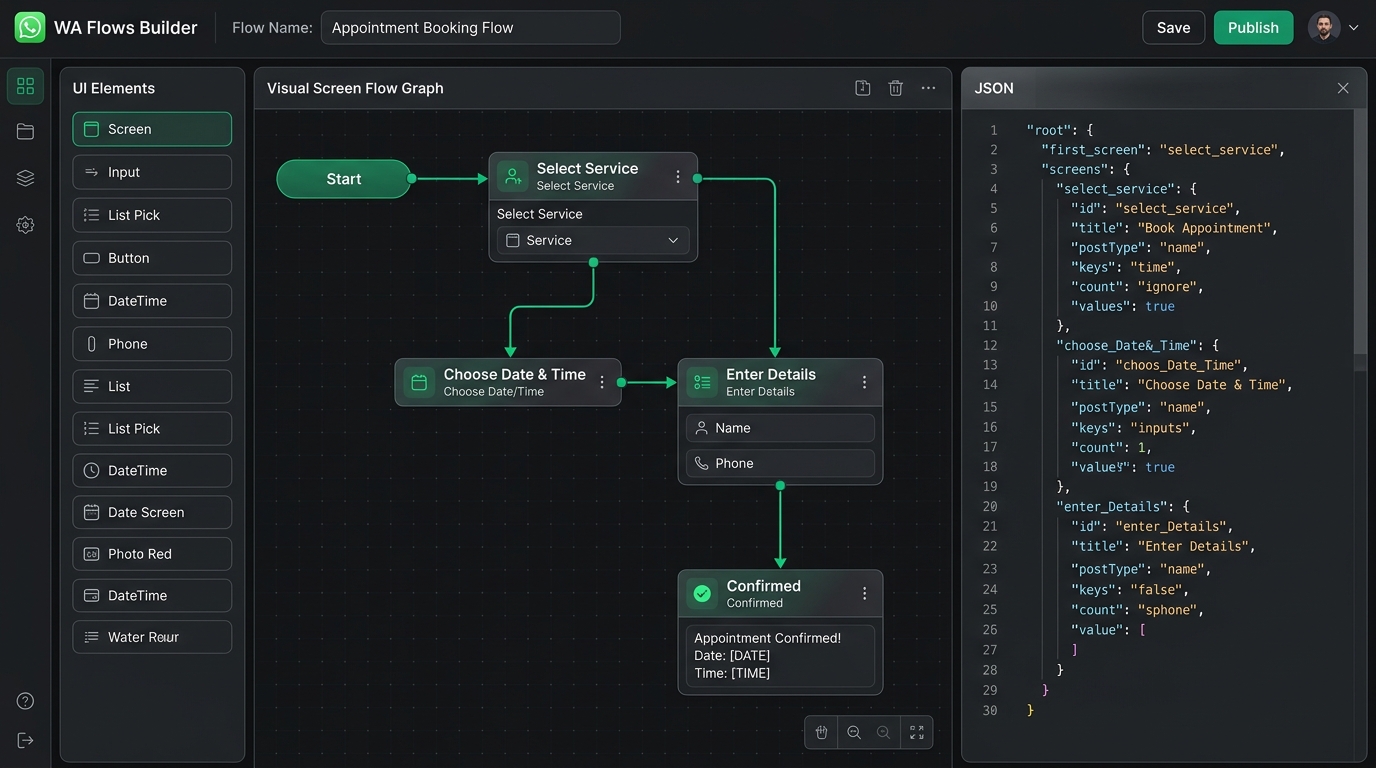
Booking Pack
Appointment Booking Flow
In-chat date selection, preferred time window, service type dropdown, and notes input.
{ "version": "7.0", "screens": [{ "id": "BOOKING_MAIN", "title": "Book Appointment", "terminal": true,
"layout": { "type": "SingleColumnLayout", "children": [ { "type": "Dropdown", "name": "service", "label":
"Select Service", "required": true }, { "type": "TextInput", "name": "preferred_date", "label": "Preferred
Date", "required": true } ] } }] }
Field Sales Pack
Lead Qualification Flow
Full lead qualification form: company size, budget range, timeline, and primary pain point.
{ "version": "7.0", "screens": [{ "id": "LEAD_MAIN", "title": "Get a Quote", "terminal": true, "layout": {
"type": "SingleColumnLayout", "children": [ { "type": "TextInput", "name": "company", "label": "Company
Name", "required": true }, { "type": "RadioButtonsGroup", "name": "budget", "label": "Monthly Budget",
"required": true } ] } }] }
Support Pack
CSAT & Feedback Survey
1-to-5 star rating radio buttons, category selection, and qualitative feedback text area.
{ "version": "7.0", "screens": [{ "id": "FEEDBACK_MAIN", "title": "Rate Your Experience", "terminal": true,
"layout": { "type": "SingleColumnLayout", "children": [ { "type": "RadioButtonsGroup", "name": "rating",
"label": "Overall Rating (1-5)", "required": true }, { "type": "TextArea", "name": "comments", "label":
"Comments", "required": false } ] } }] }
Interactive Web Demo
Test a Native WhatsApp Flow Live
Click through the mobile phone simulator screens below to experience native WhatsApp Flows.
Klaros Flow Simulator
Meta Flow v3.0
Step 1: Select Service
Choose the service category you want to book:
Inbound WhatsApp Flow Response Payload:
n_status: 200_OK
{
  "action": "data_exchange",
  "flow_token": "fl_demo_98712",
  "data": {
    "screen": "SERVICE_SELECT",
    "selected_service": null,
    "selected_slot": null
  }
}