Command your WhatsApp CRM directly from Claude Desktop & Cursor
The official Model Context Protocol (MCP) server for Klaros. Give LLMs controlled, safety-gated tool calling access to send WhatsApp messages, query contact briefs, and audit messaging costs.
1. Claude Desktop Setup
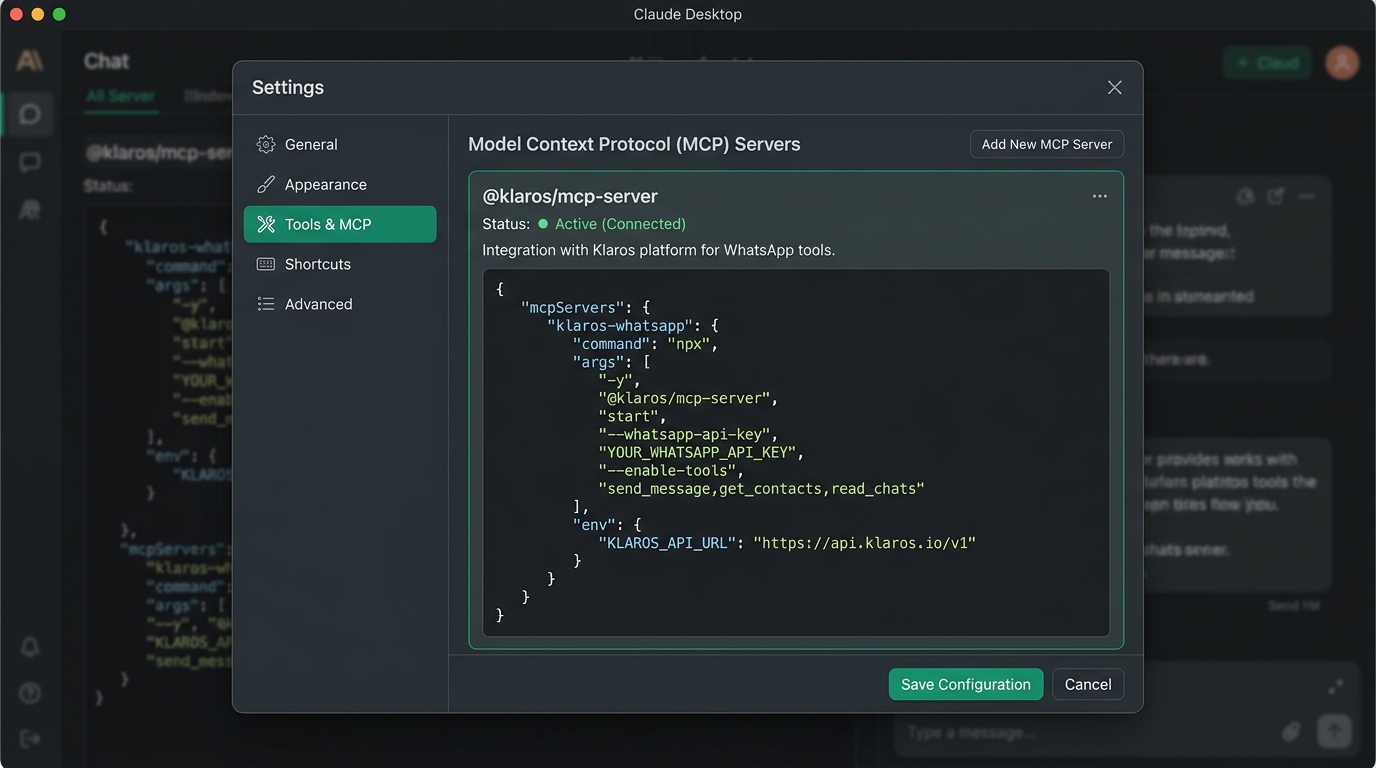
The MCP server is published as @klaros/mcp-server on npm. Run it with Node 18+ by adding it to
your claude_desktop_config.json:
"mcpServers": {
"klaros": {
"command": "npx",
"args": ["-y", "@klaros/mcp-server"],
"env": {
"KLAROS_API_URL": "https://your-klaros.workers.dev",
"KLAROS_API_KEY": "uni_agt_your_key_here",
"KLAROS_MCP_REDACT_PII": "true"
}
}
}
}
2. Cursor IDE Integration
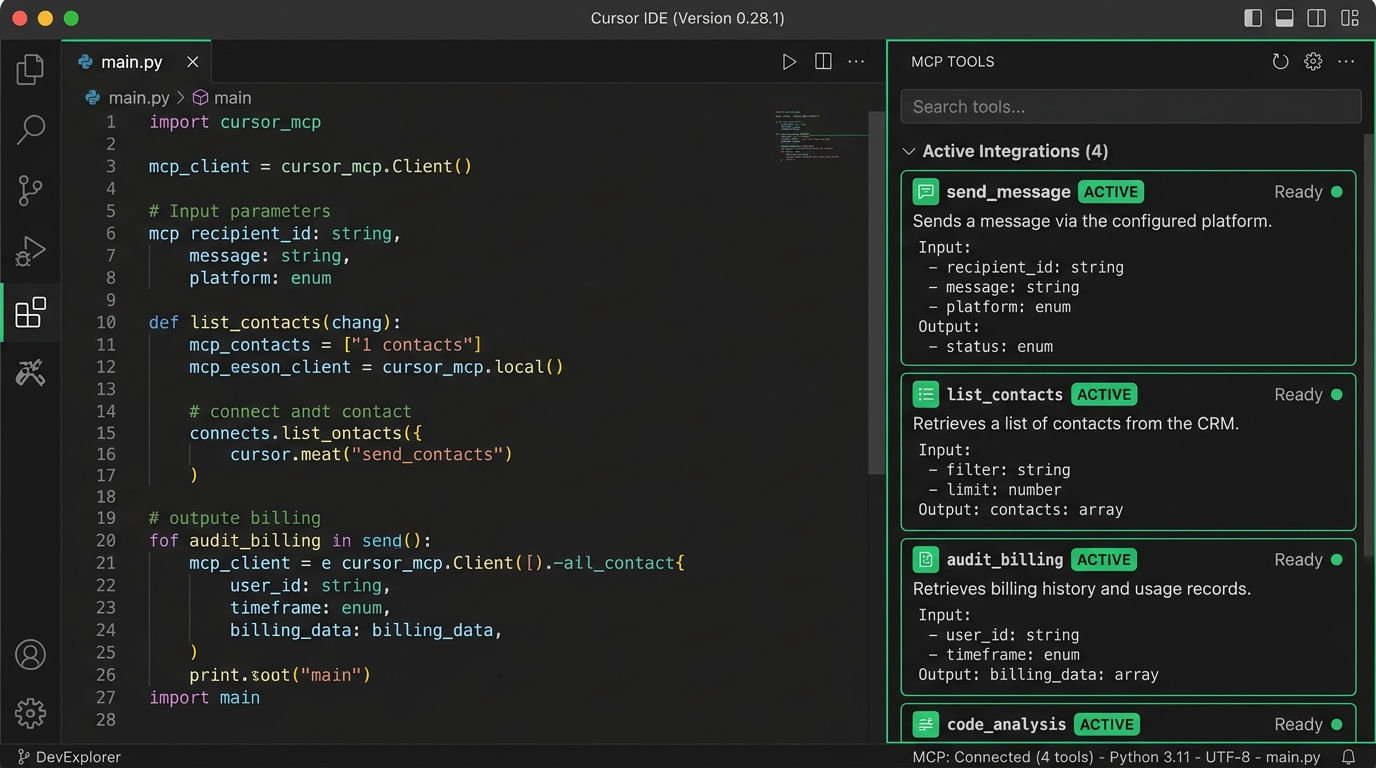
Connect Cursor to your WhatsApp CRM tools in under 60 seconds:
- Open Settings → Cursor Settings → MCP.
- Click + Add New MCP Server.
- Name:
Klaros| Type:stdio - Command:
npx -y @klaros/mcp-server - Set
KLAROS_API_URLandKLAROS_API_KEYin the server's environment.
Built-in Safety & Blast Radius Protection
Enterprise-grade safety layers ensure LLMs act within strict boundaries.
🔒 Edge PII Masking
When KLAROS_MCP_REDACT_PII=true is enabled, emails, phone numbers, and credit cards are
automatically redacted on the client edge before reaching LLM provider servers.
🛡️ Consent & Service Window Gating
Outbound message tools hit the core Klaros engine. Messages land only if the 24-hour Meta service window is open or valid opt-in consent exists in the immutable audit ledger.